
SERP by Sybel Micro Solutions
SERP ERP
SERP is a modular ERP/business management platform from Sybel Micro Solutions that connects customer, operational and financial workflows.
What is SERP?
SERP brings business functions into a connected operational system. Sales, procurement, inventory, manufacturing, HR and finance use their relevant records and inquiries, while approvals, document control and reporting support cross-functional review. The objective is a shared business context rather than a collection of disconnected transaction lists.
Integration starts with the handoff
A sales requirement can lead to a stock review or production discussion. A supplier receipt provides different evidence from an invoice. A payroll calculation needs reviewed attendance before authorized payment. SERP retains these distinctions, helping teams understand what has happened and what still needs action.
Build your scope around the process
Select modules against the requirements and people involved. Configuration and roles determine availability, so demonstrate both the normal transaction and a realistic exception. Define master-data ownership, review responsibility and the inquiry that will establish completion before introducing additional optional capabilities.
AI, reports and controls
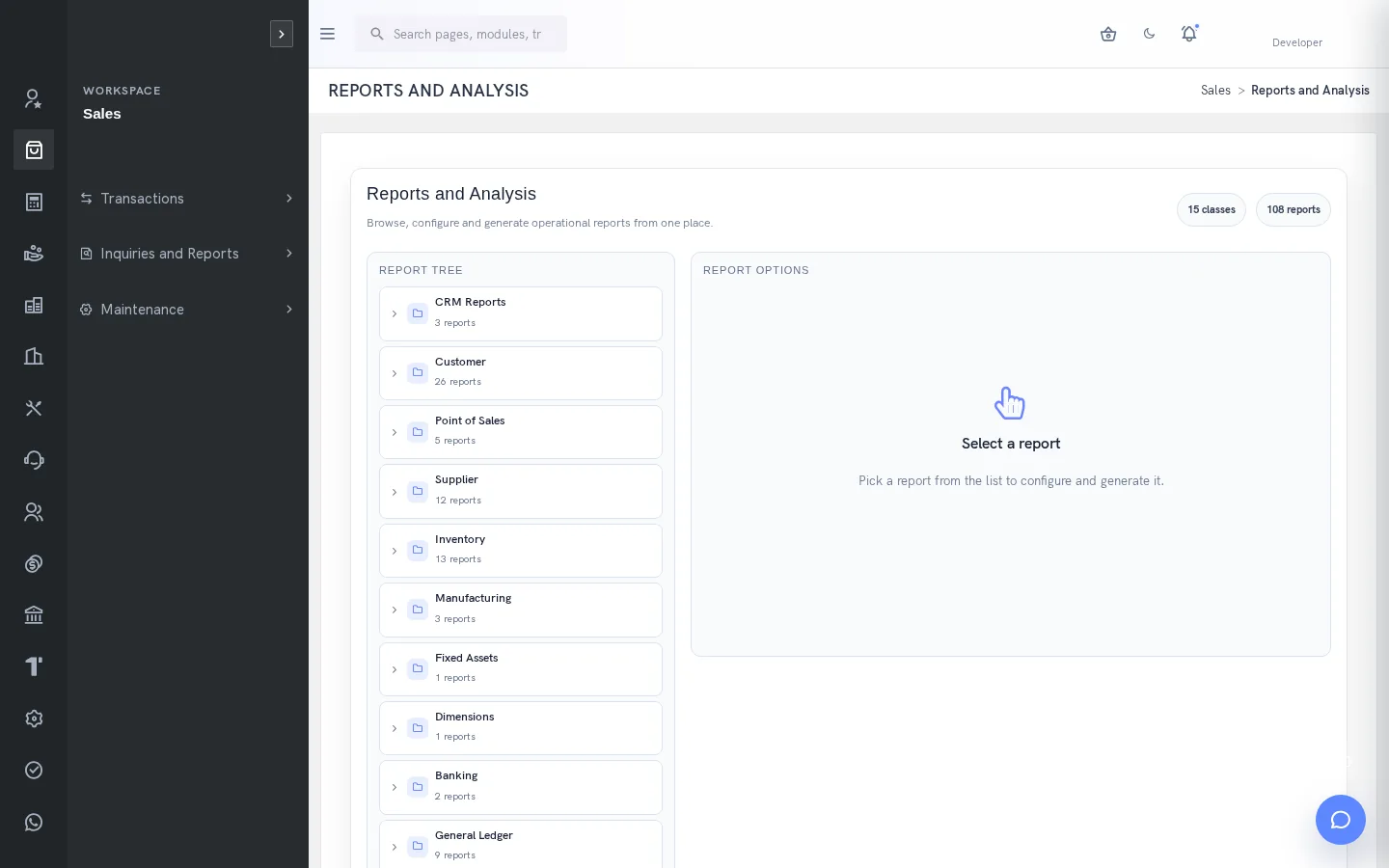
Use contextual AI assistance to find supported ERP information and prepare work, while retaining human review and role controls. Reporting helps explain the transaction picture using defined scopes and filters. Documents and approvals provide additional review boundaries for the activities that require them.
Lead to Cash →Procure to Pay →Manufacturing Workflow →Inventory Workflow →Service Delivery Workflow →Document Control Workflow →HR and Payroll Workflow →
Customer relationships through settlement
CRM helps organize leads, contacts, opportunities, proposals and follow-up. Sales provides the separate commercial sequence of quotations, orders, deliveries, invoices and customer receipts. Keeping those records connected does not make them identical: a CRM proposal is distinct from a sales quotation, and recording a receipt differs from allocating it to invoices. A useful customer conversation can therefore continue into operational work without losing the meaning of each stage.
Procurement and stock decisions
Purchasing supports requisitions, RFQs, quotation comparison, supplier selection, orders, receipts and supplier transactions. Inventory adds item and location context, demand, transfers and movement history. Buyers can review requirements and commercial terms, stores can record actual receipts and finance can inspect invoice and settlement evidence. A GRN records goods received; it does not establish that the supplier has been paid.
Production, quality and service work
Manufacturing relates product definitions to work orders, materials, job activity, output and costing. Quality records inspections and observations for the relevant stage, with separate deviation and closure decisions. Service workflows preserve customer or product context through requests, engineer assignment, visits, reports, spares and feedback. These areas help teams explain the work behind a delivery or service outcome instead of relying on a single status label.
People and financial context
HRM connects employment information, attendance and leave with payroll review, payslips and authorized payment workflows. Finance and banking provide accounts, journals, bank activity, reconciliation and statements. Users need to distinguish employee self-service from payroll administration, and customer or supplier settlement from a generic bank movement. Role design should reflect who owns the source information and who is allowed to process its financial effect.
Documents, projects and optional areas
Controlled documents support draft revisions, review and release, while the Projects extension provides budgets, requests, changes and project billing where enabled. Fixed Assets and POS support their documented lifecycle or selling workflows with the required company configuration. Optional industry functions should be confirmed explicitly. The objective is a coherent scope for the organization, not a claim that every extension or screen is enabled in every company.
Make implementation decisions observable
Choose the modules around representative processes, then agree the necessary master data, roles and review evidence. Follow a normal transaction and a realistic exception through the demonstration. Compare the resulting records and reports with the business requirement. Confirm any external service, regional configuration or optional extension before launch. This turns a product evaluation into a practical scope discussion grounded in the operations the organization needs to manage.
What businesses can use SERP?
SERP’s documented modules support the work of manufacturers, distributors, traders, service teams and project organizations. The useful starting point is the process the business needs to connect: a customer order, a procurement requirement, production, service or employee pay. The industry guides apply those workflows to practical scenarios.
Which capabilities need a separate setup discussion?
Company preferences, optional extensions, approval scope and external providers affect what users can do. Browser access does not establish a particular hosting service, and an API setting does not establish a complete connector. Confirm these dependencies alongside the demonstrated transaction flow.
Where can I inspect a specific SERP function?
The feature directory provides focused explanations of leads, RFQs, goods receipts, payment allocation, stock transfers, BOMs and other documented functions. Each page connects its definition and example back to the owning module.
A few useful answers
Frequently asked questions
What is SERP?
SERP is an integrated, modular ERP/business management platform from Sybel Micro Solutions. It connects operational records, workflows and reporting across business functions.
Who develops SERP?
Sybel Micro Solutions is the company behind SERP.
Is SERP modular?
Yes. Available functions depend on enabled company modules, configuration and the user’s permissions.
Does SERP include CRM and manufacturing?
Yes. Documented CRM capabilities cover leads, contacts, opportunities and activities. Manufacturing connects BOMs, work orders, materials, production and costing.
Can SERP manage stock across locations?
Yes. Inventory locations, transfers, item status and movement inquiries support location-level stock review.
Does SERP include HR and payroll?
Yes. Employee, attendance, leave, payroll and payslip workflows are documented, with separate permissions and configuration.
What AI capabilities are available?
The assistant supports contextual help and authorized ERP queries, including stock, customer balances, supplier payables and work-order information. Confirmed CRM lead creation and reviewed BOM proposals have distinct write controls.
Does SERP support India GST?
The guide documents tax configuration, GST inquiries and reports, plus authorized E-Invoice and E-Way Bill workflows using configured services.
How can I request a demo?
Use the Request a Demo form to share your business context, interested modules and the workflow you want to explore.
See how your business connects with SERP.
Bring your processes, priorities and questions. Let’s make the demonstration useful for your team.
Request a Demo →